

How to Claim Your Business Profile on ChatGPT (and How It Compares to Google Business Profile)
OpenAI’s new Business Hub lets eligible businesses claim and correct their profile inside ChatGPT, much like Google Business Profile does on Google. This guide covers what you get, who can realistically claim from India, and what to keep ready for the identity verification: government ID, business details, address and a selfie. It also says plainly that claiming does not guarantee better placement.
Written by Mukesh · Reviewed Nov 24, 2026
On 10 November 2026, OpenAI opened a beta program called Businesses in ChatGPT. Through a dashboard named Business Hub, an owner can claim their business, correct the details ChatGPT shows about it, and see how often it gets mentioned. If you have ever set up a Google Business Profile (the thing most people still call GMB), the idea will feel familiar. The setup is different enough that it is worth walking through, especially the verification step, which is where most people in India will spend their time.
This guide covers what you get, how it differs from Google's version, who can realistically claim right now, and what to keep ready before you start.
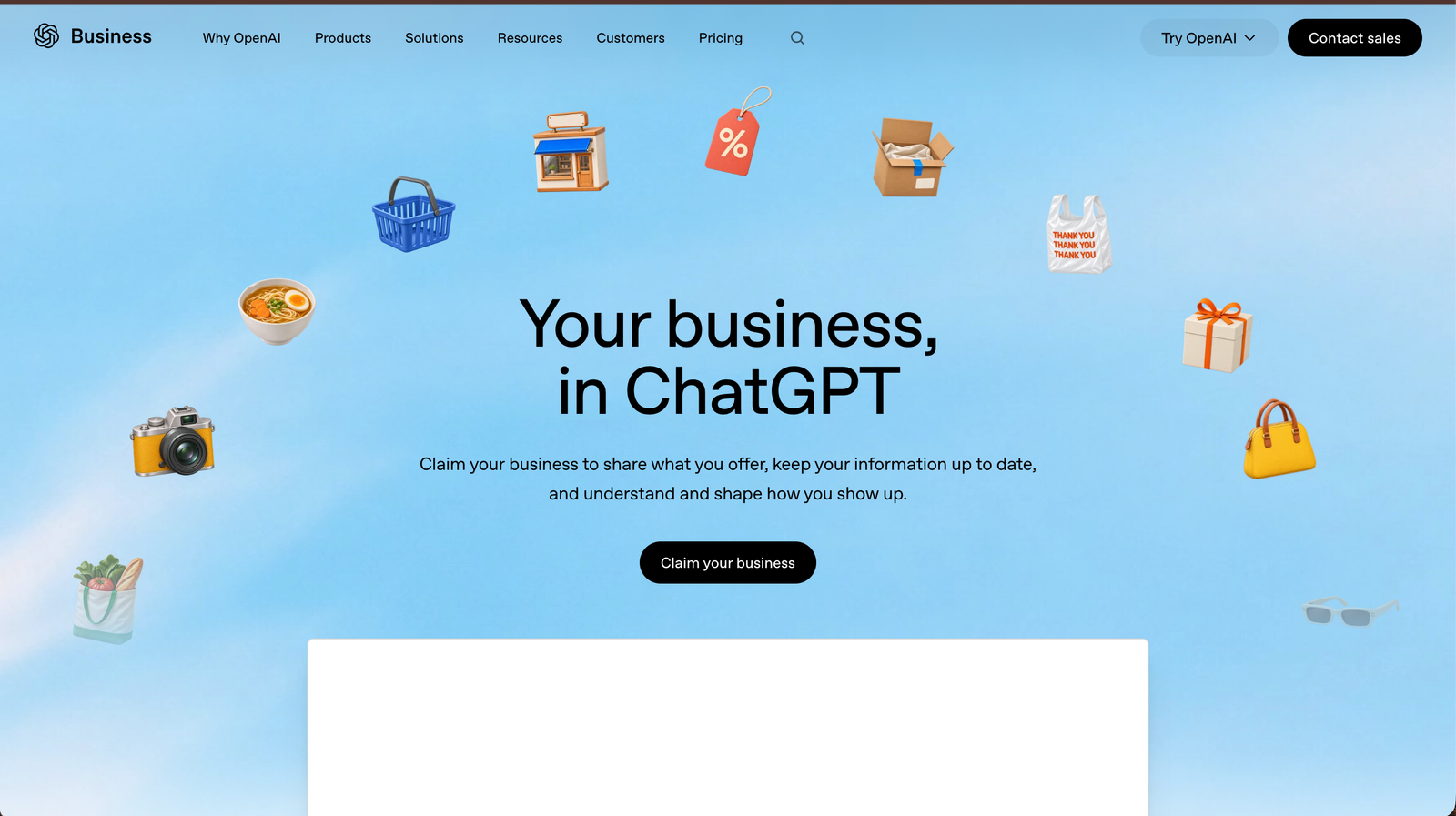
What a claimed profile gives you
Once you are verified, you can edit your website link, description, category, logo and cover photo, plus your delivery and return policies. Online sellers can connect a product feed (a CSV file, a hosted URL or a Shopify store) so pricing and availability show up inside ChatGPT. Every edit is reviewed by OpenAI before it goes live, so changes are not instant.
There is also an Insights panel covering the last 28 days. It shows how often ChatGPT mentioned your business, how many people clicked through to your website, and the discovery topics, meaning the kinds of questions where your business came up. A verified business gets a blue check on its profile.
Business Agents, the branded chat assistant that answers customer questions inside ChatGPT, are a separate thing. For now they are limited to eligible e-commerce and online service businesses in the United States. You do not need one to claim a profile.
ChatGPT business profile vs Google Business Profile
They solve a similar problem in different places, so one does not replace the other.
| Google Business Profile | ChatGPT business profile | |
|---|---|---|
| Where it shows | Google Search and Maps | Inside ChatGPT answers |
| Built around | Local discovery, directions, calls | Conversational research and comparison |
| Customer reviews | Yes, and you can reply to them | No comparable review feature announced |
| Performance data | Yes | Last 28 days: mentions, clicks, discovery topics |
| Local shop listings | Add or claim your own | For now, only existing US listings can be claimed |
| Cost | Free | Free |
The practical difference is how people use them. Someone searching on Google Maps wants the nearest shop and its opening hours. Someone asking ChatGPT is more likely to type a full question, such as which agency builds fast WordPress sites, and expect a short list back. Keep your Google profile as it is and treat the ChatGPT one as an extra place where your facts need to be right.
One more detail from a BrightLocal study quoted by Forbes: ChatGPT leaned on Yelp and Bing for local answers and used Google Business Profile very little. BrightLocal sells AI-visibility tracking, so read the finding with that in mind, but it is a good reason to keep your details identical everywhere instead of relying on a single listing.
Can you actually claim it from India?
Read this part before you spend an evening on paperwork, because the sources do not fully agree.
The Dreamer Designs guide says businesses in India can claim a profile if ChatGPT is available in your market and the business has a website. Forbes, on the other hand, reports that local stores and restaurants can currently claim only an existing US listing, and uses a café in Mumbai as its example of someone who cannot claim yet. Online businesses can claim or add a listing wherever ChatGPT and OpenAI's verification are available.
Putting the two together, the realistic case in India today is a business with its own website: an agency, a service company, an online store. A shop with only a physical presence and no website will probably hit a wall. OpenAI's own page says claiming is initially open to eligible businesses with a website. The program is in beta and the rules are changing, so open Business Hub and see what it offers for your business before you plan anything around it.
The claim and verification flow
The sequence in India goes like this.
1. Claim the business. Sign in to ChatGPT with an account the business will keep, not a freelancer's personal login, since that account becomes the admin. Open Business Hub from the sidebar or go to chatgpt.com/business-hub, search for your business or add it, and enter your business details. At this point the profile sits in draft mode. Nothing is public yet.
2. Prove you control the business. Depending on what is offered, you can verify with a code sent to a business phone number, a code sent to an email address on your company domain, a TXT record added to your domain's DNS settings, or a connected Shopify store. If you use the DNS route, copy the record exactly as shown, add it at your domain host (GoDaddy, Hostinger, Cloudflare and so on), and leave it in place afterwards. Removing it can cause trouble if ownership is checked again.
3. Complete identity verification. Once the draft is done, ChatGPT asks you to verify. OpenAI does this through Persona, an identity verification service. In India you will be asked for a government ID, your business details, the business address and a selfie. This step unlocks publishing, product feeds and Insights, and the blue check appears only after it is approved.
4. Wait for the review. OpenAI reviews the claim and emails you a decision or a request for more information. Review times vary and none of the sources give a number, so do not plan around a date.
5. Finish the profile. After approval, go through every field again and make it match your website and your Google profile exactly.
What to keep ready for the verification step
Most claims stall at identity verification, usually because something on the form does not match something on a document. Before you open the form, gather these.
- A government photo ID in original form. Aadhaar or PAN are the usual choices in India, and the name should be exactly as printed on the card.
- Proof of business registration, for example a GST certificate, a certificate of incorporation, or whatever registration your business holds.
- Proof that you are allowed to act for the business, if you are not the listed owner or director.
- Your business address, written exactly as it appears on your website and registration documents. Name, address and tax details that differ even slightly are a common reason for failure.
- A device with a working camera for the selfie. Do it in good light, with your face fully visible and the camera at eye level, and have your ID in hand before you start so the session does not time out.
- Your final profile content: logo, cover photo, a short description and your categories.
Be patient after you submit
Verification takes time, and rushing it tends to make things worse. A few things that help:
- Do not submit a second claim while the first one is pending. You can cancel the first and start over if you need to.
- Watch the email on the account you used. If OpenAI asks for something, the request arrives there.
- If verification fails, read the email, retry if the option is offered, and compare your form against your documents character by character. Contact OpenAI Support if it stays stuck.
- If someone else has already claimed your business, open the profile's menu, choose Dispute ownership, and complete verification to prove it is yours.
What claiming does not do
OpenAI says claiming a profile does not guarantee higher placement, and ChatGPT keeps making its own recommendations and comparisons. You will not see customer conversations either, only aggregated numbers, and the Insights page can stay blank until there is enough activity, which does not mean nobody mentioned you.
So the useful part is control over your facts. ChatGPT can mention your business with or without a claimed profile, and now you get to fix what it says. Alongside it, keep your Google Business Profile, Bing Places, Apple Business and your social pages telling the same story, and keep your website clear about what you offer, since that is still the main source everything else draws on.
I would claim it this week if you are eligible, and then forget about it until the Insights start filling in.
About the author
Mukesh is the developer behind InfoMukesh, writing practical notes from hands-on work with PHP, Laravel, e-commerce platforms, AI, and web applications.