

The Complete Magento 2.4.8 Upgrade Guide for Developers and Business
Upgrade Adobe Commerce 2.4.6-p7 → 2.4.8 (Cloud)Updated: Feb 2026Why Upgrade to 2.4.8?Upgrading is no longer optional.Key reasons:13+ security patches (RCE, XSS, access control fixes)500+ ...
Written by Mukesh · Reviewed Oct 27, 2026
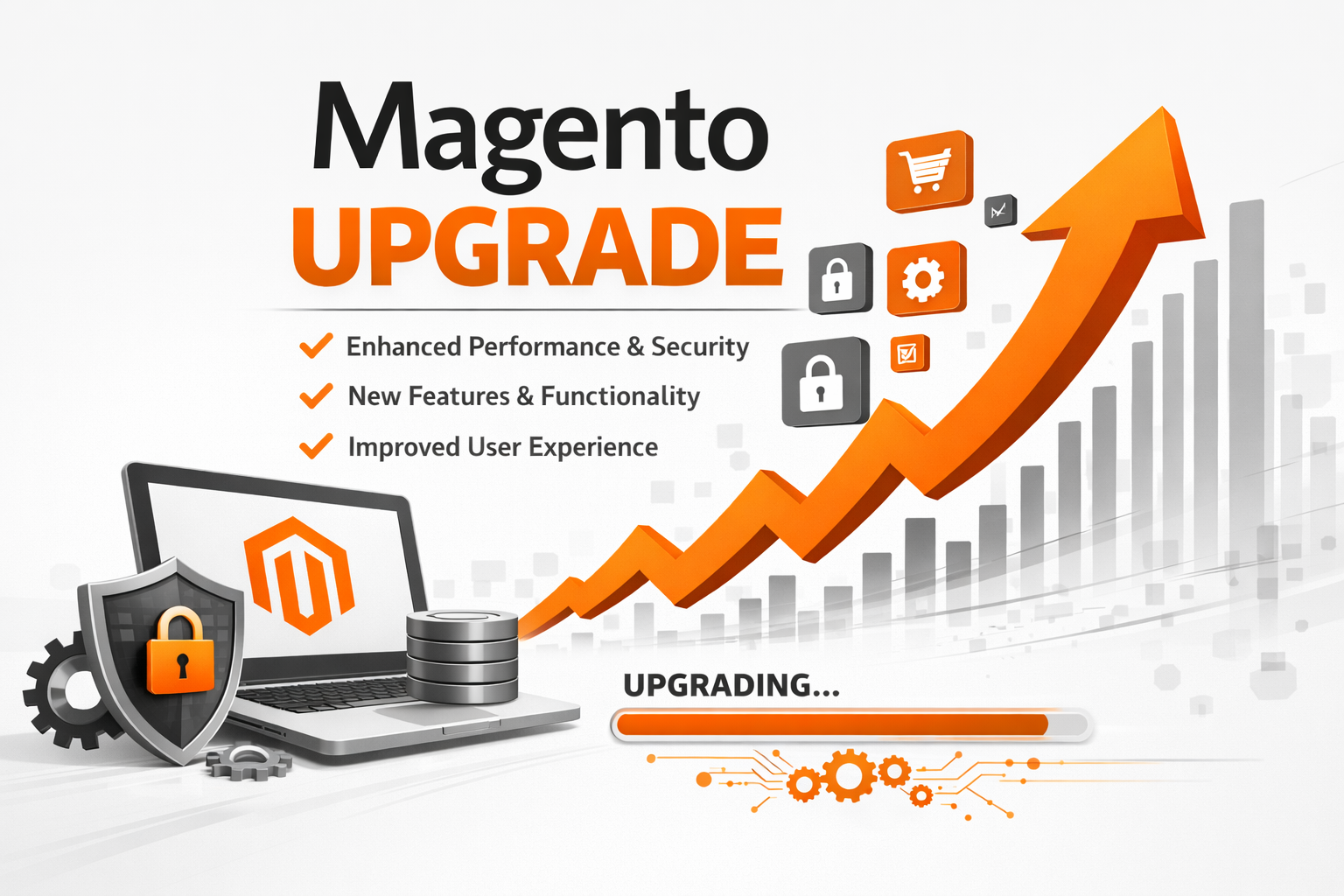
Upgrade Adobe Commerce 2.4.6-p7 → 2.4.8 (Cloud)
Updated: Feb 2026
Why Upgrade to 2.4.8?
Upgrading is no longer optional.
Key reasons:
- 13+ security patches (RCE, XSS, access control fixes)
- 500+ quality fixes (checkout, admin, GraphQL, B2B)
- PHP 8.3 support (10–20% performance gain)
- Supported until April 2028
- Elasticsearch deprecated → OpenSearch required
- PHP 8.1 is EOL (security risk)
Delaying increases technical debt and future upgrade cost.
What Changes in 2.4.8?
Security & Stability
- Scope-restricted Admin REST tokens
- Improved PayPal logging
- Stronger input validation
Performance
- Indexer default: Update by Schedule
- Faster GraphQL
- Optimized search with OpenSearch 2
Admin Improvements
- TinyMCE 7
- Uppy replaces jQuery uploader
- Bulk price update optimizations
B2B
- Storefront-based company hierarchy management
- Improved approval workflows
Required Technology Stack
ComponentRequired for 2.4.8PHP8.3 recommended (8.2 minimum)MariaDB10.6+ (11.4 recommended)OpenSearch2.xRabbitMQ3.13+Redis7.2+Composer2.8.x
Cloud users must update .magento.app.yaml and .magento/services.yaml.
Business Impact Summary
Temporary Impact
- 15–60 minute maintenance window (Production only)
- No orders during deployment
- Admin temporarily unavailable
What Will NOT Change
- Customer accounts
- Order history
- Product data
- Theme/design
- Integrations (validated in staging)
What Improves
- Faster page loads
- More stable checkout
- Improved admin responsiveness
Environment flow:
Local → Integration → Staging → Production
Phase 0 – Pre-Flight (2–3 Days)
- Upgrade local PHP to 8.3
- Create upgrade branch
- Run Upgrade Compatibility Tool:
composer global require magento/upgrade-compatibility-tool
magento-upgrade-compatibility-tool upgrade:check . --coming-version=2.4.8
- Audit all third-party extensions
- Backup composer files and database
Do not skip this phase.
Phase 1 – Local Upgrade
Update Environment Config
.magento.app.yaml
type: php:8.3
.magento/services.yaml
mysql: 10.6
redis: 7.2
opensearch: 2
rabbitmq: 3.13
Composer Upgrade
composer require-commerce magento/product-enterprise-edition=2.4.8 --no-update
composer require magento/ece-tools:^2002.2.0 --no-update
composer update
If conflict:
composer why-not magento/product-enterprise-edition 2.4.8
Run Setup Commands
php bin/magento setup:upgrade
php bin/magento setup:di:compile
php bin/magento setup:static-content:deploy -f
php bin/magento cache:flush
php bin/magento indexer:reindex
Fix DI errors and PHP 8.3 type issues before moving forward.
Phase 2 – Integration Environment
Push branch:
git push origin upgrade/2.4.8
Monitor:
magento-cloud activity:log --tail -e integration
Validate:
- Version check
- No fatal errors
- Checkout works
- Admin loads
- OpenSearch connection works
Integration is self-managed — Adobe does not assist here.
Phase 3 – Staging (Adobe Ticket Required)
Submit ticket including:
- Project ID
- PHP 8.3 request
- Service version updates
- Deployment date
Wait for confirmation before deploying code.
After deploy:
- Run full UAT
- Validate payments in sandbox
- Confirm cron & queues
- Business sign-off required
Phase 4 – Production Go-Live
Before Deployment
- Database dump
- Cloud backup snapshot
- Code freeze
- Submit Adobe ticket 5 days prior
Deployment Window (15–60 minutes)
git merge staging
git push origin production
Post-deploy checks:
php bin/magento --version
php bin/magento setup:db:status
php bin/magento cache:flush
php bin/magento indexer:reindex
Disable maintenance after validation.
Rollback Plan (Critical)Rollback immediately if:
- Checkout broken
- Payment failures
5% 500 errors
- Data corruption
Steps:
- Enable maintenance
- Revert Git to previous commit
- Restore DB backup
- Adobe revert infrastructure
- Smoke test
- Disable maintenance
Decision window: First 4 hours only
FAQ HighlightsCan I upgrade directly from 2.4.6-p7 to 2.4.8?
Yes.
Is Elasticsearch supported?
Deprecated. Move to OpenSearch.
How long does upgrade take?
3–5 weeks total including UAT.
Will store go offline?
Only during Production deployment.
Final TakeawayMagento 2.4.8 upgrade is predictable if structured properly:
- Run Compatibility Tool first
- Audit extensions early
- Submit Adobe tickets in advance
- Validate in Staging before Production
- Keep rollback ready
The result:
A faster, secure, supported platform through 2028.
About the author
Mukesh is the developer behind InfoMukesh, writing practical notes from hands-on work with PHP, Laravel, e-commerce platforms, AI, and web applications.
